
Home
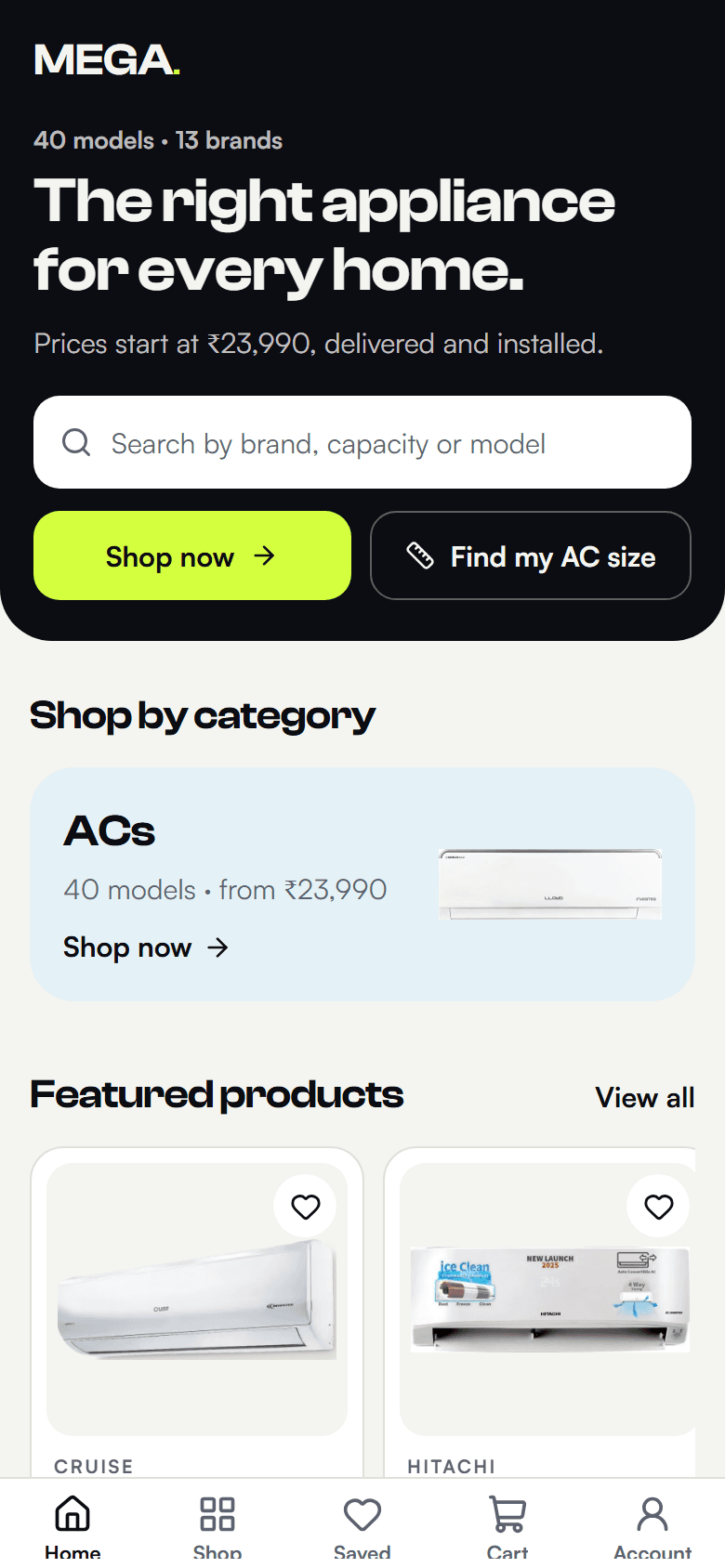
The whole store, the moment you open it
- Today's offers, featured models and new arrivals
- Shop by category, brand or budget
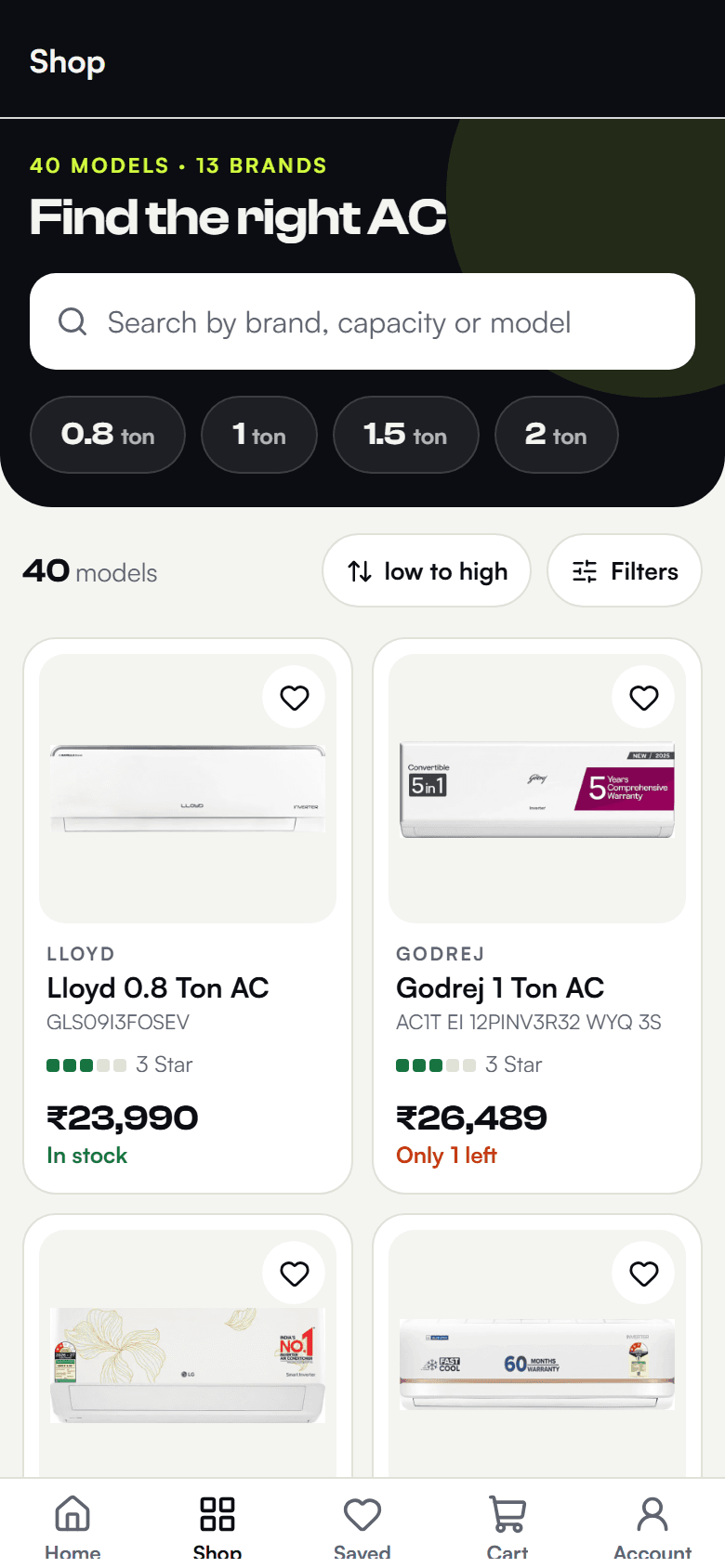
- Search by brand, capacity or model number
The Mega Electronics app
Find the right AC, compare models, check delivery to your pincode, pay on delivery and follow your installation, all from your phone.
 Version 1.0.0 · 106 MB · Android 7.0 or later · Same account as the website
A look inside
Home
Shop
Product
AC size
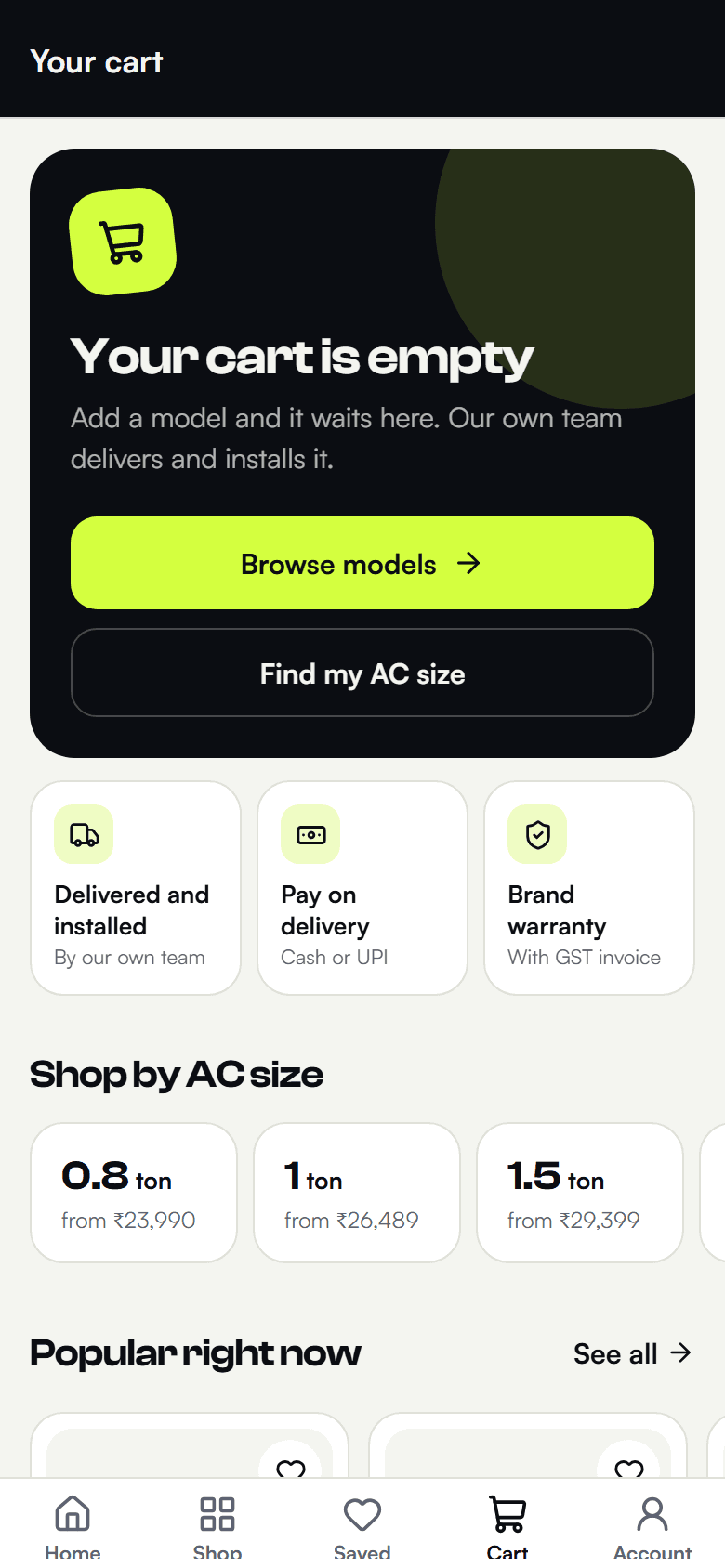
Cart
Home
Shop
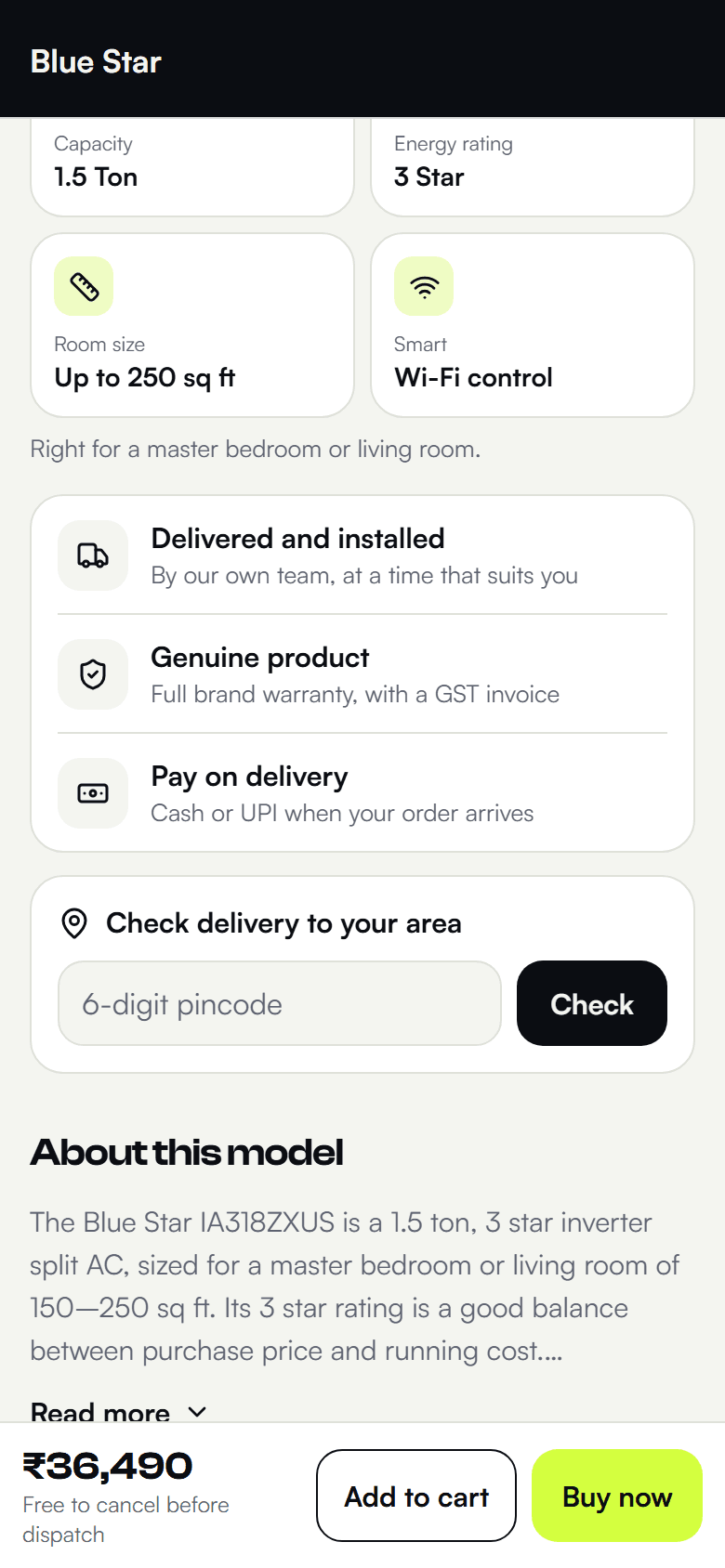
Product
Delivery
AC size finder
Why the app
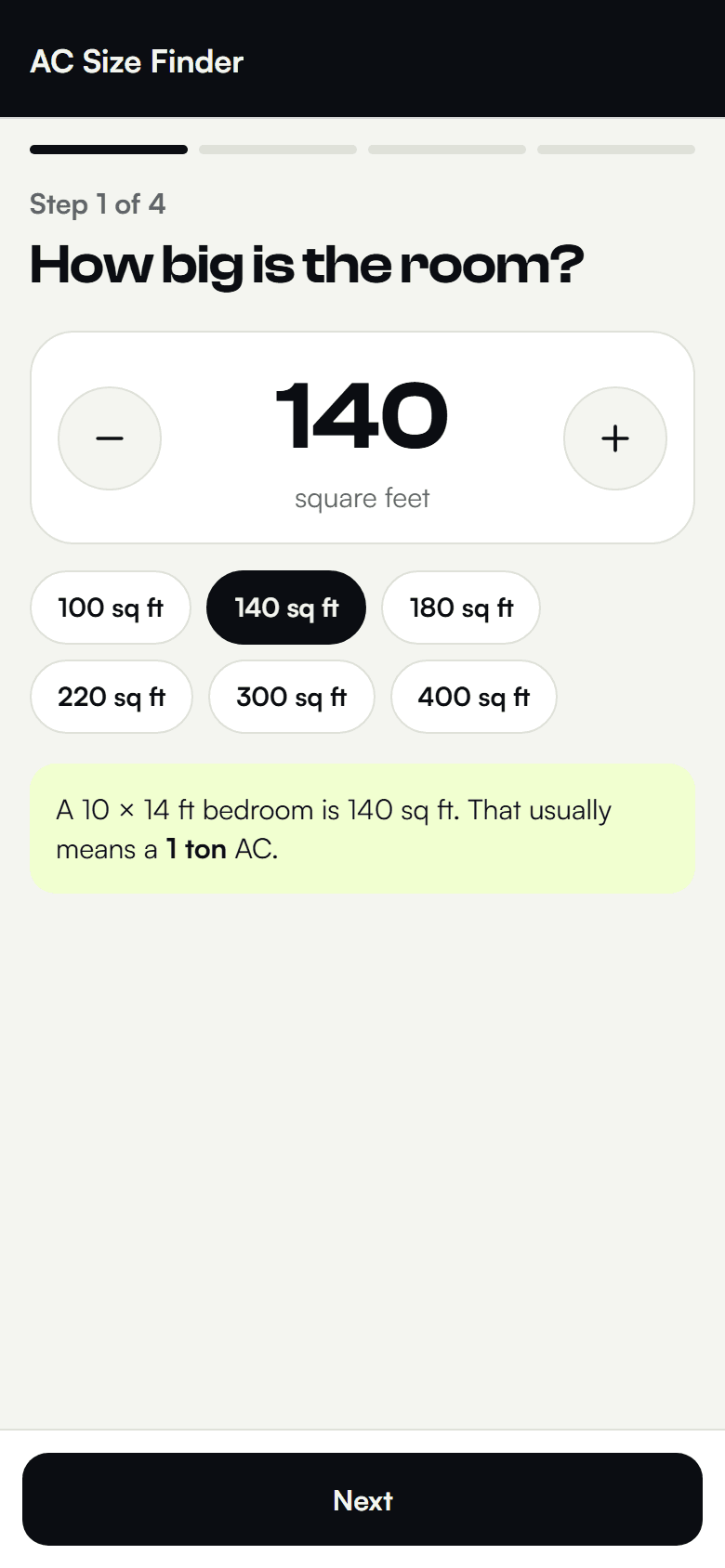
Four quick questions about your room and budget, then three models that fit.
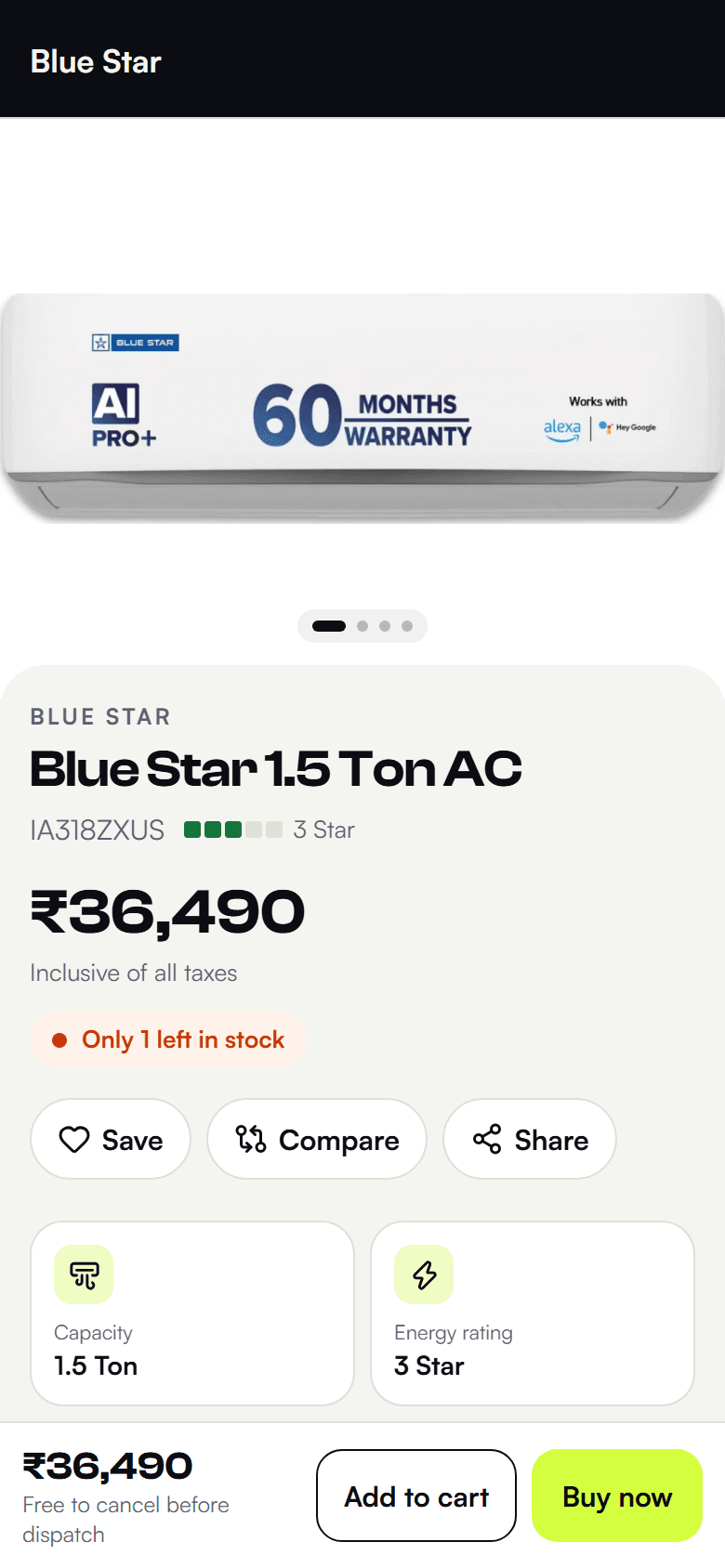
Up to three models next to each other: price, capacity, energy rating and warranty.
Log in with your email and your saved models and cart match the website.
Check your pincode, order, and our team calls to fix a delivery and installation date.
Follow each stage from confirmed to installed, and cancel before dispatch.
Send any model to WhatsApp in one tap, with its price and a link.
Installing the app
Tap Download for Android on your phone. The file is saved to your Downloads.
If Android asks, allow your browser to install apps (Settings, Install unknown apps).
Tap Install and log in with your email. Updates then arrive inside the app by themselves.
Yes. The app is free to download and use. You only pay for what you order.
Download it only from this page on megafrontend-six.vercel.app. Android shows a one-time prompt for apps installed outside the Play Store. That is normal, and you can turn the permission off again after installing.
No. Log in with the same email you use on the website. Orders, cart and wishlist are shared.
Most updates arrive inside the app by themselves: close it and open it again. For a bigger update, download the latest version from this page and install it over the old one. Your login and lists stay.
Not yet. On an iPhone, the website works fully in Safari, and you can add it to your home screen from the Share menu.
Call or message the store and we will help you install the app.